Beginner's Guide to Blogging: Launch Your Blogging Journey with Ease
Welcome to the world of blogging, where you can share your thoughts, passions, and expertise with the world. In this beginner's guide to blogging, you'll learn how to create a blog from scratch, set it up for success, and start publishing your content. Whether you're looking to express yourself, build a community, or monetize your blog, this tutorial will walk you through the process step-by-step. So, grab a cup of coffee, get comfortable, and let's dive into the exciting world of blogging!
Step 1: Choosing the Right Platform for Your Blogging Needs
When it comes to blogging, you have numerous platforms to choose from, each with its pros and cons. You can opt for popular options like WordPress, Blogger, or Medium, or explore other alternatives like Wix, Squarespace, or Ghost. Consider factors like ease of use, customization options, and integrations with social media and other tools. For example, if you're a beginner, you might want to start with a user-friendly platform like WordPress or Blogger, which offer a vast array of themes, plugins, and tutorials to help you get started. 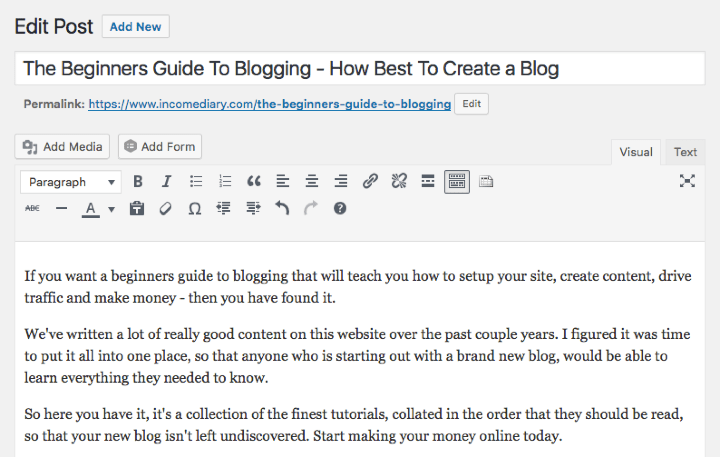
Step 2: Registering a Domain Name and Setting Up Web Hosting for Your Blog
Once you've chosen your platform, it's time to register a domain name and set up web hosting. Your domain name is the address people will use to access your blog, so make sure it's memorable, easy to spell, and relevant to your niche. You can register your domain name with providers like GoDaddy, Namecheap, or Google Domains. For web hosting, consider options like Bluehost, SiteGround, or HostGator, which offer reliable services, excellent customer support, and affordable prices. Be sure to check for discounts, promo codes, or bundle deals that can save you money.
Step 3: Installing a Theme and Customizing Your Blog's Design
With your domain name and web hosting in place, it's time to give your blog a visually appealing design. Most platforms offer a range of free and paid themes, which you can customize to suit your taste and brand. Consider factors like responsiveness, navigation, and readability when choosing a theme. You can also customize your theme by adding a logo, changing colors and fonts, and adding widgets or plugins. For example, if you're a food blogger, you might want to choose a theme with a clean and minimalist design, plenty of whitespace, and high-quality image displays.
Step 4: Creating High-Quality and Engaging Content for Your Blog
Now that your blog is set up, it's time to start creating content. This is where the magic happens, and you get to share your ideas, experiences, and expertise with the world. Consider what type of content you want to create, such as articles, videos, podcasts, or social media posts. Develop a content strategy that includes planning, researching, writing, editing, and publishing. Don't forget to optimize your content with keywords, meta descriptions, and optimizing images to improve your blog's search engine ranking. For example, if you're a travel blogger, you might want to create content around destinations, cultural experiences, and travel tips, and use relevant keywords like "travel guides" or "cultural immersion".
Step 5: Promoting Your Blog and Building a Community of Loyal Readers
With your content created and published, it's time to promote your blog and build a community of loyal readers. This is where social media, email marketing, and networking come into play. Share your content on platforms like Facebook, Twitter, Instagram, or LinkedIn, and engage with your audience by responding to comments, answering questions, and sharing user-generated content. Consider collaborating with other bloggers or influencers in your niche, guest posting on other sites, or participating in online communities related to your topic. For example, if you're a fashion blogger, you might want to collaborate with fashion brands, participate in fashion events, or share your content on fashion-focused social media groups.
Step 6: Monetizing Your Blog and Turning Your Passion into a Profitable Business
As your blog grows in popularity, you may want to consider monetizing it to turn your passion into a profitable business. There are numerous ways to monetize your blog, such as display advertising, affiliate marketing, sponsored content, or selling digital products. Consider what works best for your niche and audience, and experiment with different strategies to find what generates the most revenue. For example, if you're a beauty blogger, you might want to partner with beauty brands to promote their products, or create and sell your own beauty products or courses.
Frequently Asked Questions:
Q: What is the best platform for blogging? A: The best platform for blogging depends on your needs and preferences. Popular options include WordPress, Blogger, and Medium. Q: How do I promote my blog? A: Promote your blog by sharing your content on social media, engaging with your audience, collaborating with other bloggers, and participating in online communities. Q: Can I monetize my blog? A: Yes, you can monetize your blog through display advertising, affiliate marketing, sponsored content, or selling digital products. Q: What is the most important thing to consider when creating content? A: The most important thing to consider when creating content is to focus on providing value to your audience, whether it's through informative articles, entertaining videos, or inspiring stories. Q: How long does it take to build a successful blog? A: Building a successful blog takes time, effort, and patience. It can take several months to a year or more to build a loyal audience and generate significant revenue.
The Beginners Guide To Blogging - How To Create A Blog
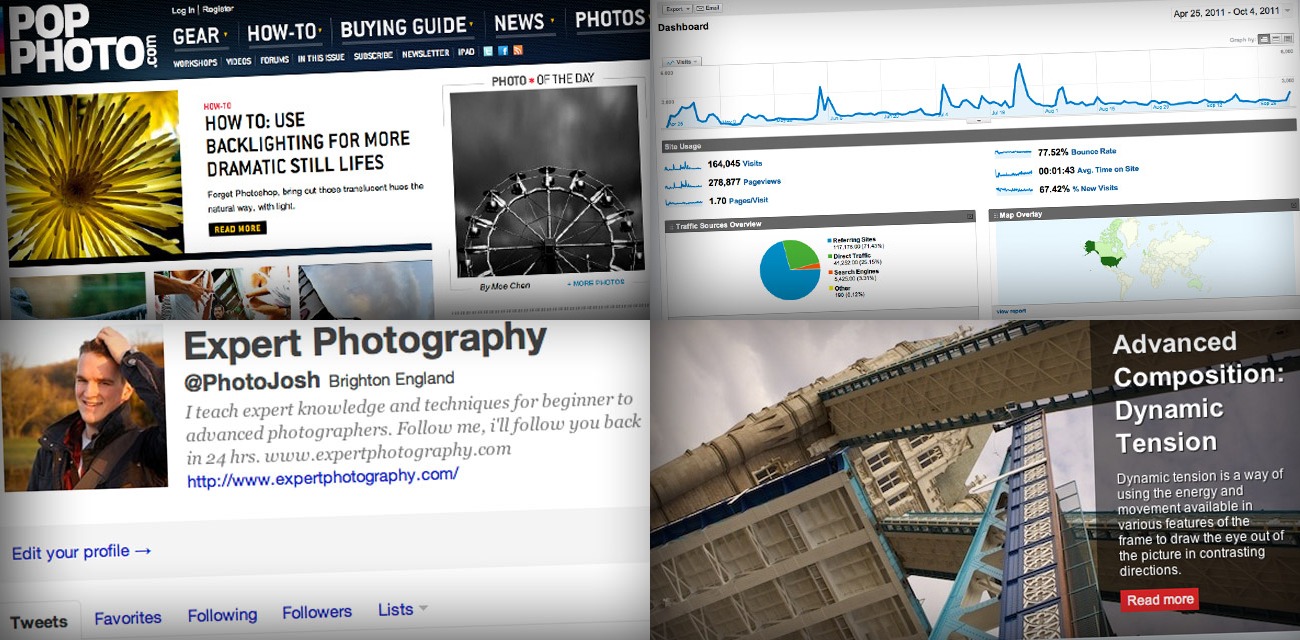
The Beginners Guide To Blogging - How To Create a Blog
Blogging For Beginners: How To Set Up One For Free

Blogging for Beginners: How to Set Up One for Free
The Beginners Guide To Blogging ⋆ By Pink

The Beginners Guide To Blogging ⋆ by Pink